
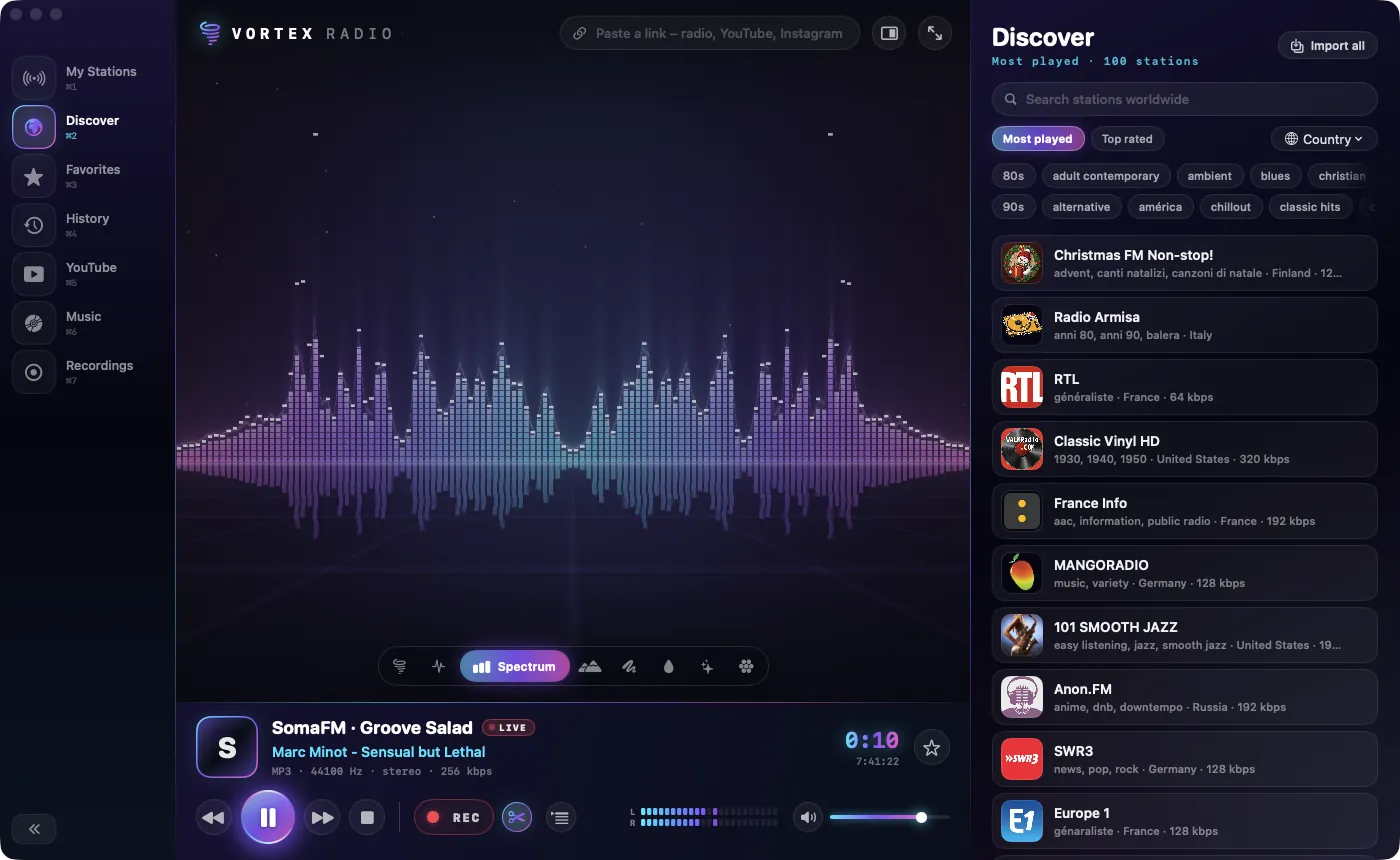
Over 50,000 stations
Search the Radio Browser directory by name, genre or country. All Austrian stations are already installed. You can also import your own lists as M3U or PLS.
Only for Mac · macOS 15 or later
Over 50,000 stations, YouTube and your own music – and eight animations that are drawn live from the waveform of whatever is playing.
Free. Runs on Mac only – not on Windows, iPhone or Android.
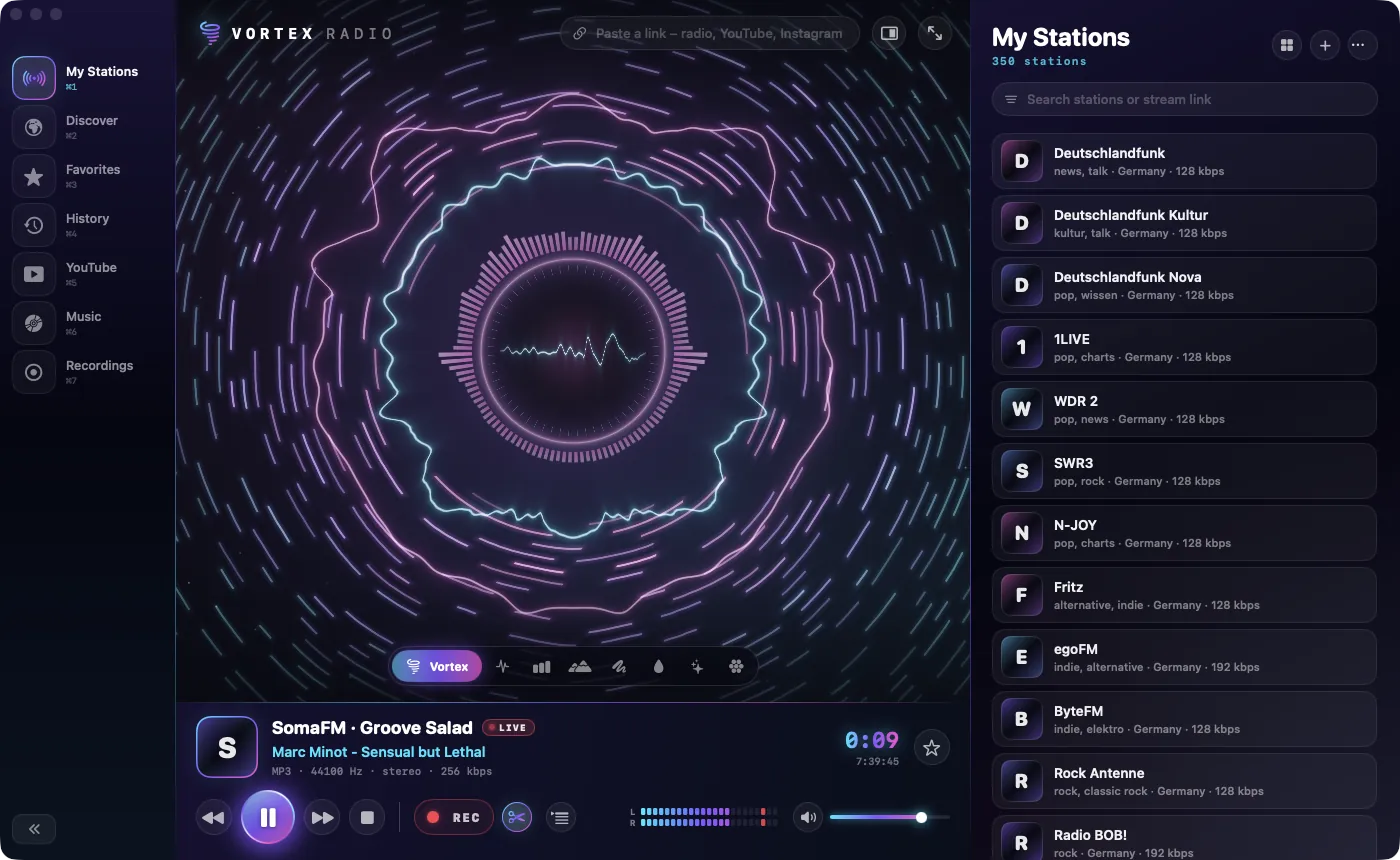
Visualizers
Each one is built from the waveform and the frequencies of the sound you are hearing right now – rendered with Metal at up to 120 frames per second.
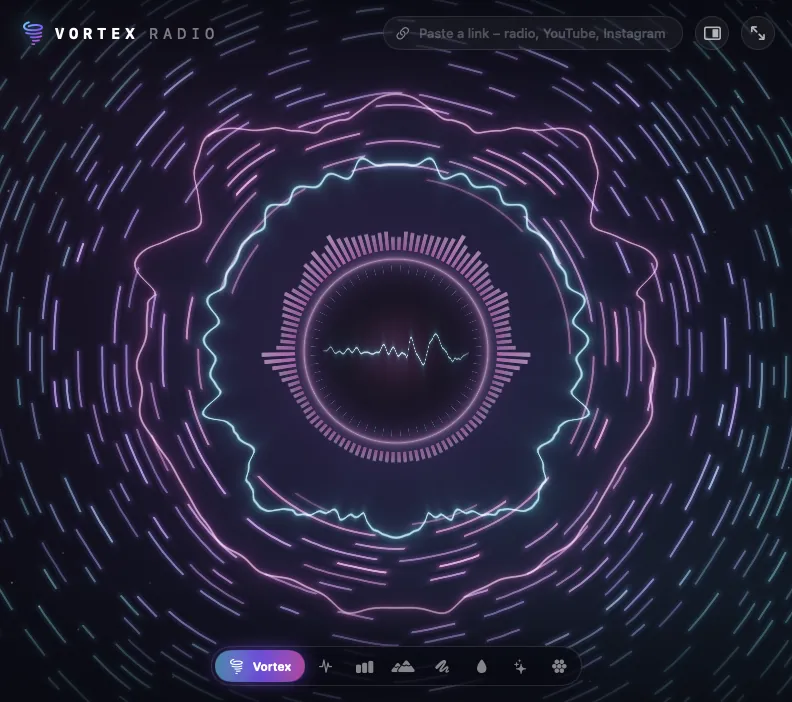
Arcs of light circle a ring of frequency bars, with the waveform in the middle.
The waveform as a glowing line, like on an oscilloscope.
The frequencies as bars with a reflection – from bass to treble.
A neon landscape under a retro sun whose lines move with the music.
Left against right channel: the stereo image as a figure of light.
Liquid colour that flows and swirls with the sound.
Northern lights over a dark horizon, moved by the music.
A tunnel of light that pulses with the beat.
Features
Everything plays through the same stage – so every source gets the same animations.
Search the Radio Browser directory by name, genre or country. All Austrian stations are already installed. You can also import your own lists as M3U or PLS.
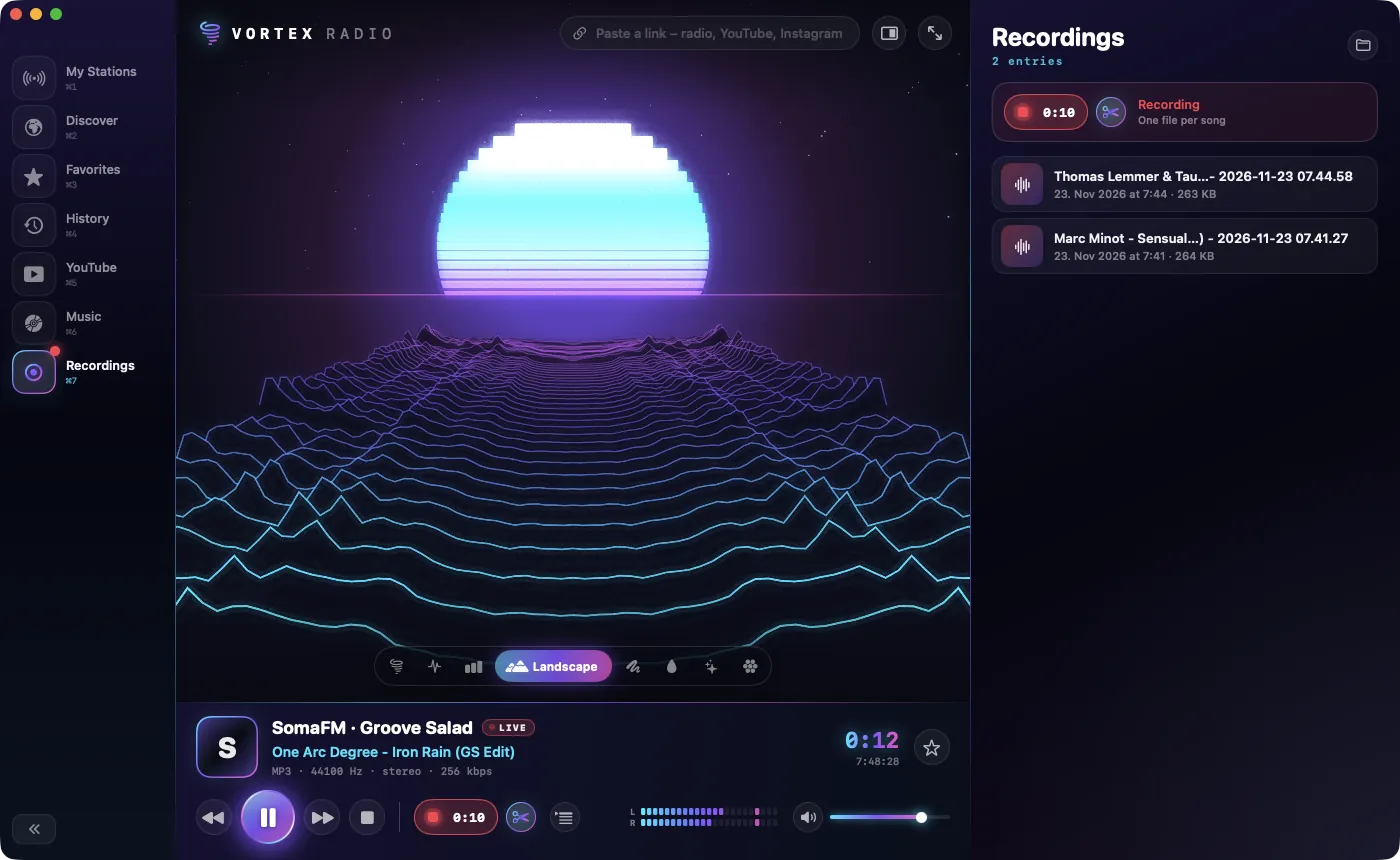
One click records what is playing as an MP3 file. If you like, VortexRadio starts a new file for every song.
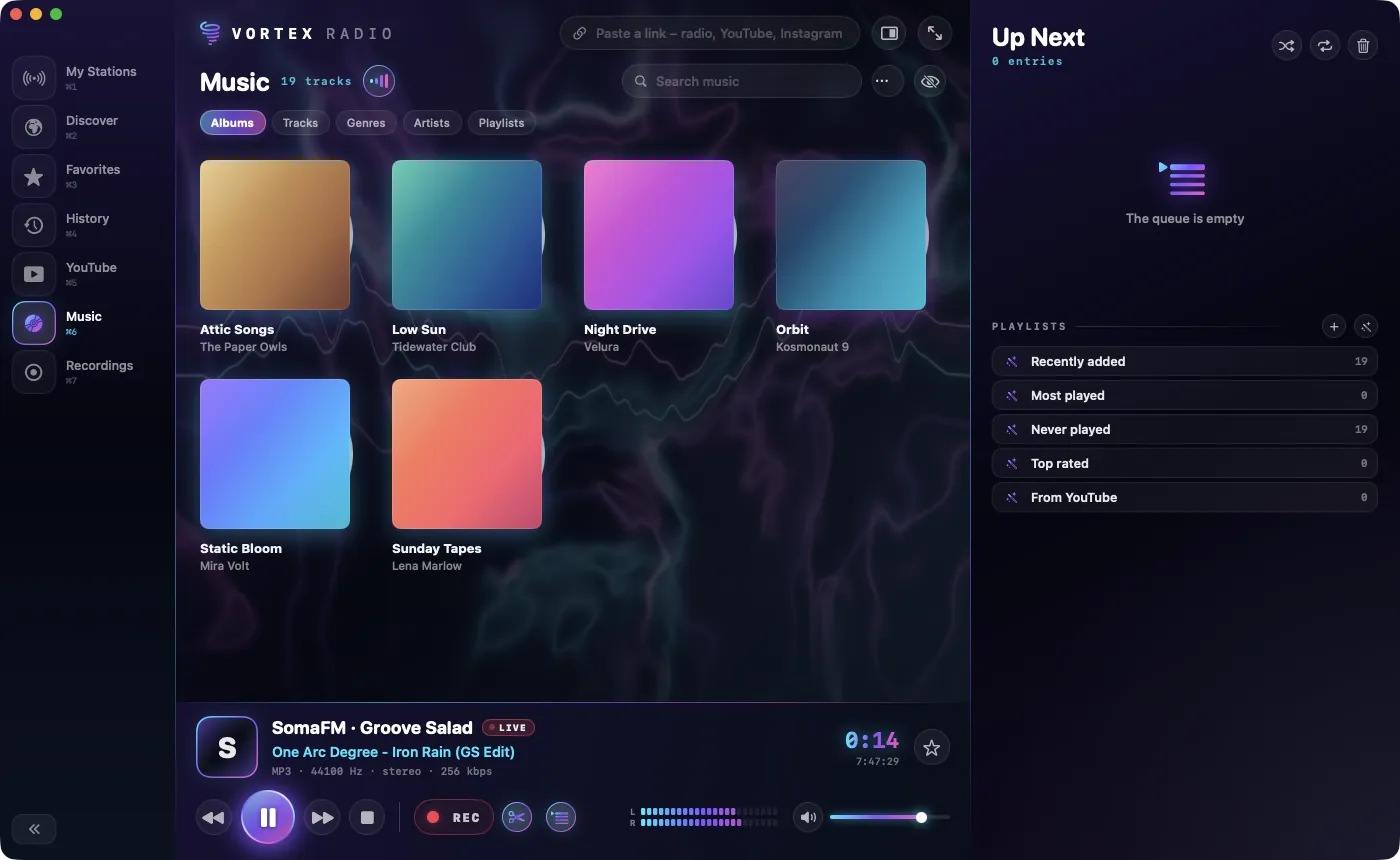
Albums, tracks, genres and artists with covers. The full-text search also looks inside the lyrics. Playlists, smart playlists, a queue and a tag editor are included.
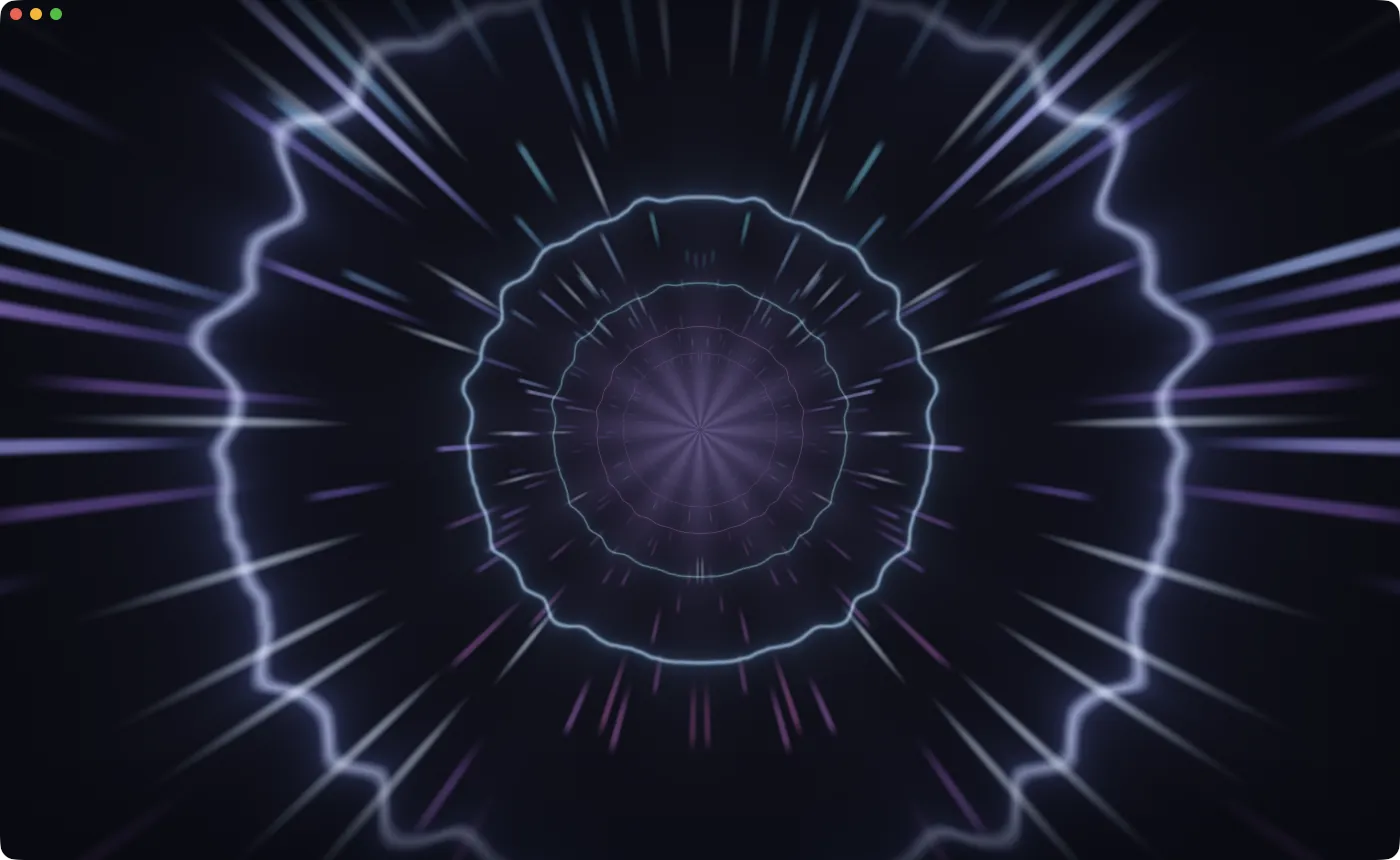
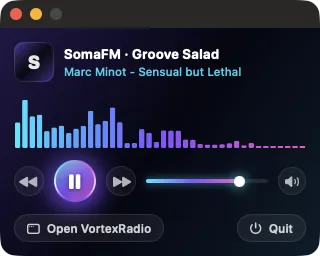
In cinema mode the animation fills the whole window. The player in the menu bar keeps play, pause and volume within reach.
Search YouTube, listen with the animations or watch the video in the built-in player. Save it as MP3 or as a video.
If LRCLIB has the lyrics for a song, VortexRadio shows them – and the current line lights up as it is sung.
Smart playlists fill themselves by your rules. The queue plays your own files and YouTube one after the other.
Change title, artist, album, genre and cover right in the file.
Paste a stream address or a YouTube link into the bar at the top – VortexRadio plays it.
The app speaks: Deutsch, English, Español, Français, Italiano, Magyar, Polski, Português, Русский
Before you start
VortexRadio needs a Mac and two free tools that you install once.
VortexRadio is a Mac app. There is no version for Windows, iPhone, iPad or Android.
ffmpeg decodes the sound, yt-dlp fetches YouTube. Install both in the Terminal with Homebrew:
brew install ffmpeg yt-dlp
If one of them is missing, VortexRadio shows you this command itself.
Open the downloaded file, drag VortexRadio into your Applications folder and start it.
Only for Mac · macOS 15 or later · not for Windows, iPhone or Android
Download for MacVortexRadio 1.0.2 · DMG · Notarized by Apple
Remember the two tools: brew install ffmpeg yt-dlp
Only download YouTube content that you hold the rights to, or for private use where your local law allows it.
No. The download is free.
No. VortexRadio runs on the Mac only.
A Mac with macOS 15 or later.
ffmpeg decodes the radio streams and files, yt-dlp fetches the sound and video from YouTube. Both are free, and you install them once with “brew install ffmpeg yt-dlp”. If they are missing, the app shows you the command.
Homebrew is a free package manager for macOS that installs tools from the Terminal. You can find it at brew.sh.
Only download YouTube content that you hold the rights to, or for private use where your local law allows it.
In your Music folder under VortexRadio: recordings in “Recordings”, downloads in “Downloads”.
Send us an e-mail at martin.bundschuh@seebubble.me.